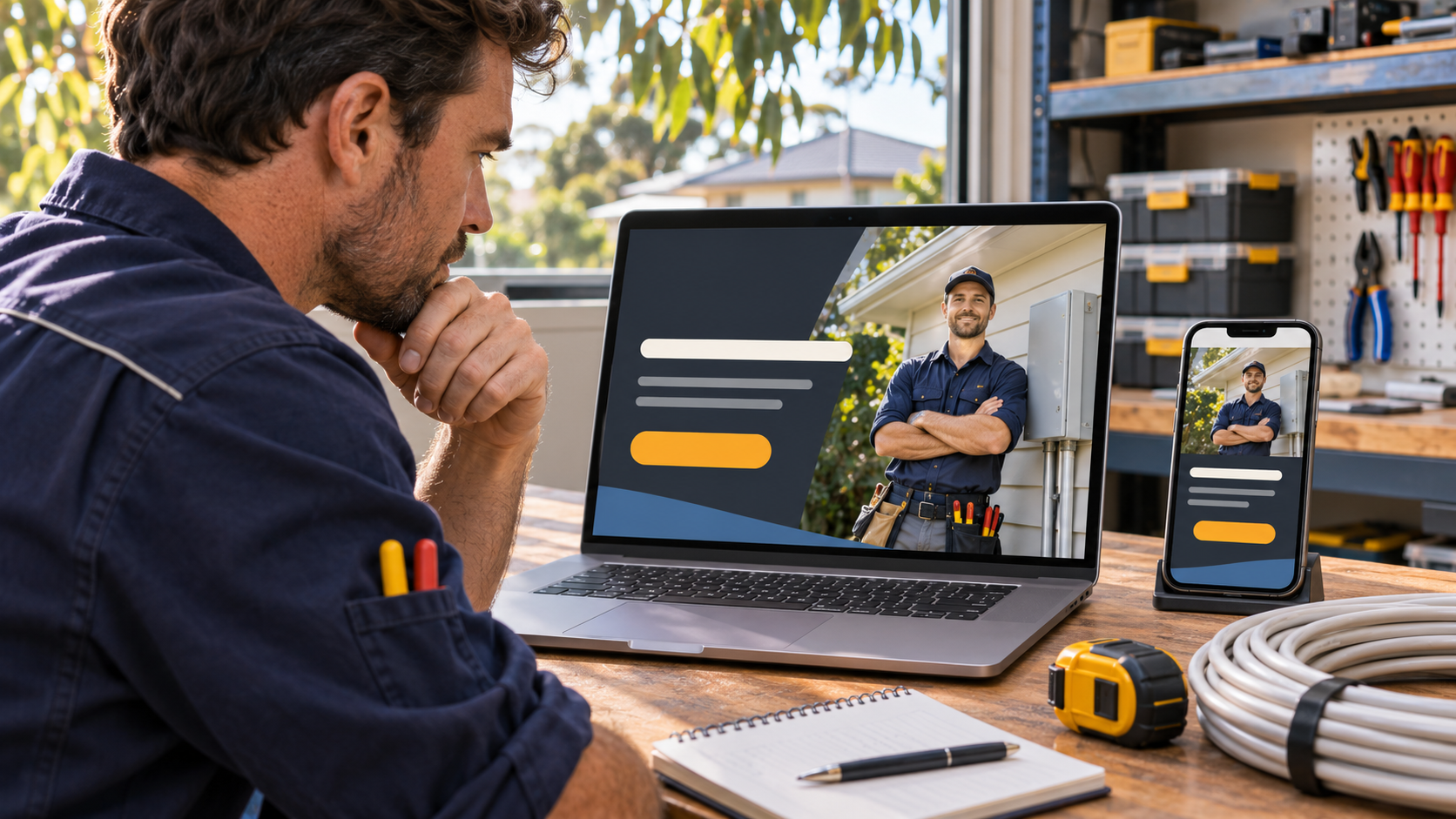
Imagine a homeowner in Clayton who clicks an ad for a switchboard upgrade. The page opens with “Welcome to our family business” and a slideshow of lighting installations. The electrician might be perfect for the job, but the homeowner still has three questions. Do you upgrade switchboards? Do you come to Clayton? How do I get a quote?
Open one of your ads beside the page it sends people to. Use these six checks to see whether a customer can move from that first click to a genuine enquiry.
1. Carry the ad’s promise into the headline
Read the ad aloud, then read the first line on the page. If the ad offers switchboard upgrades in Clayton, “Switchboard upgrades for Clayton homes” is a useful headline. Beneath it, explain what happens next in one sentence. For example, “Tell us your suburb and what you need upgraded, and our electrician will call to discuss a quote.” Only promise a callback time your team can meet.
2. Give the customer a clear next step
Choose the action that fits the job. A homeowner planning an upgrade may want a written quote. Someone booking an urgent repair may want to ring immediately. For the upgrade page, use “Request a switchboard quote” as the main button and place the phone number nearby with your answering hours. Tap both on your own phone to check where they lead.
3. Put evidence beside the decision
Ask the person who answers enquiries what customers want to know before booking. Turn the most common question into a short answer near the quote button. If people ask whether you work on older homes, show a recent upgrade you completed, with permission to use the photo. A caption explaining the suburb, property type and work completed gives the reader more to judge than a row of stock photos.
4. Ask for the details you need for the first conversation
For the electrician, a name, phone number, suburb and short job description are enough to start a callback. The suburb helps confirm the service area. The description helps route the enquiry. If a photo would help, make it optional so someone away from home can still enquire. Save questions about site access and appointment times for the callback if they can wait.
5. Run one enquiry from a customer’s phone to your inbox
Open the page on mobile data and fill in the form with a clearly labelled test enquiry. Try leaving a required field blank. Can you see what needs fixing? After submission, check that the confirmation explains who will respond and when. Then ask the person handling enquiries to find your test and read the job details back to you. This catches problems that a quick look at the website can miss.
6. Judge the page by the jobs it brings in
Keep a simple weekly record of ad spend, enquiries, suitable enquiries and booked jobs. Agree on what “suitable” means first. For this electrician, it might mean a switchboard job inside the service area. Give open quotes time to close and compare groups of enquiries over similar periods.
For example, suppose two pages each receive A$600 in ad spend. One brings in 20 enquiries and two bookings. The other brings in 12 enquiries and four bookings. The first has the cheaper enquiry at A$30, but its cost per booking is A$300. The second costs A$150 per booking. These figures are illustrative. Check job value and margin as well before shifting budget.
For help setting a target, see our Australian Google Ads budget and ROI guide.
Where to start this week
Pick the page receiving the most paid clicks. Hand your phone to someone who has never seen it and ask, “What job can you book, where is it available, and what would you tap next?” Listen for the first hesitation. Fix that point, run a test enquiry and record the date so you can compare the bookings that follow.